Dr. Julie (Juls) Gilliam · Associate Professor, NOVA
Project Showcase
Advocate, artist, catalyst, designer, musician and technologist, building bridges to create positive change.
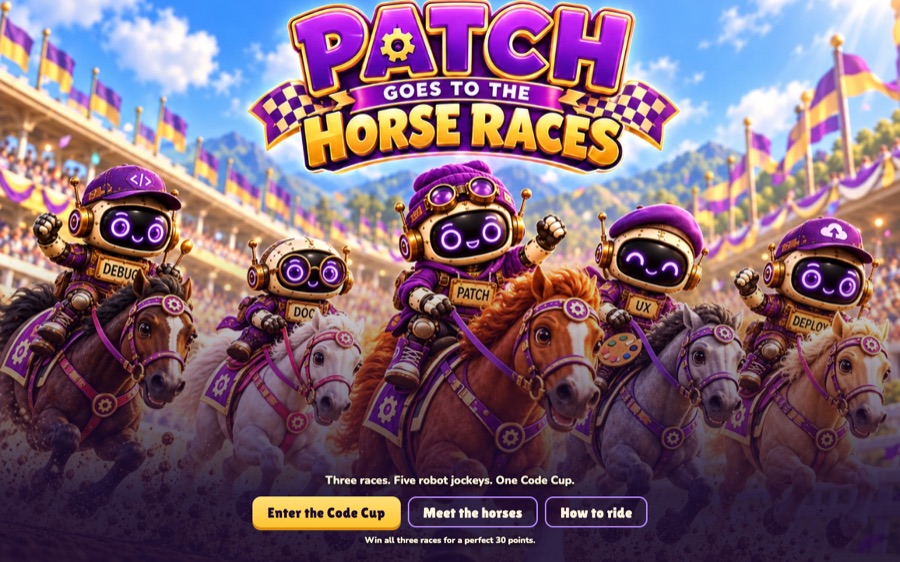
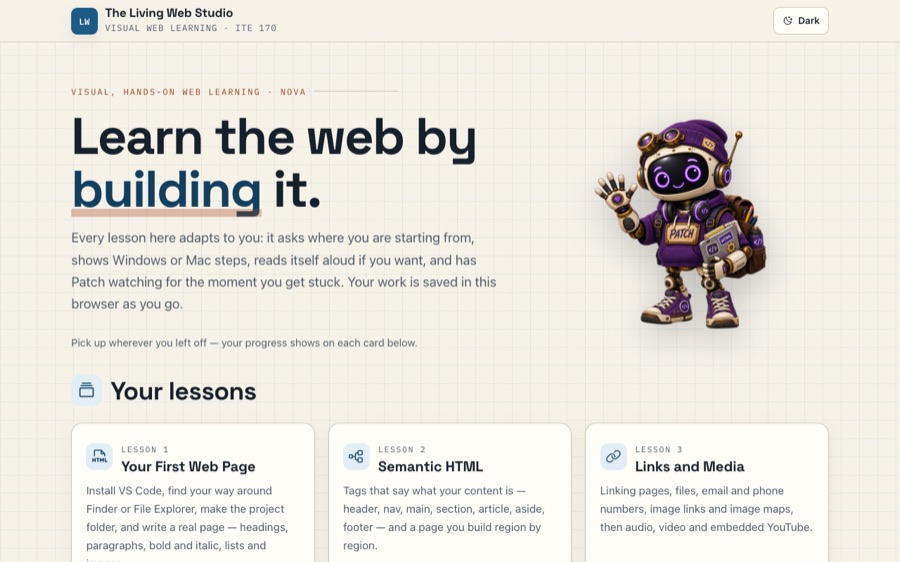
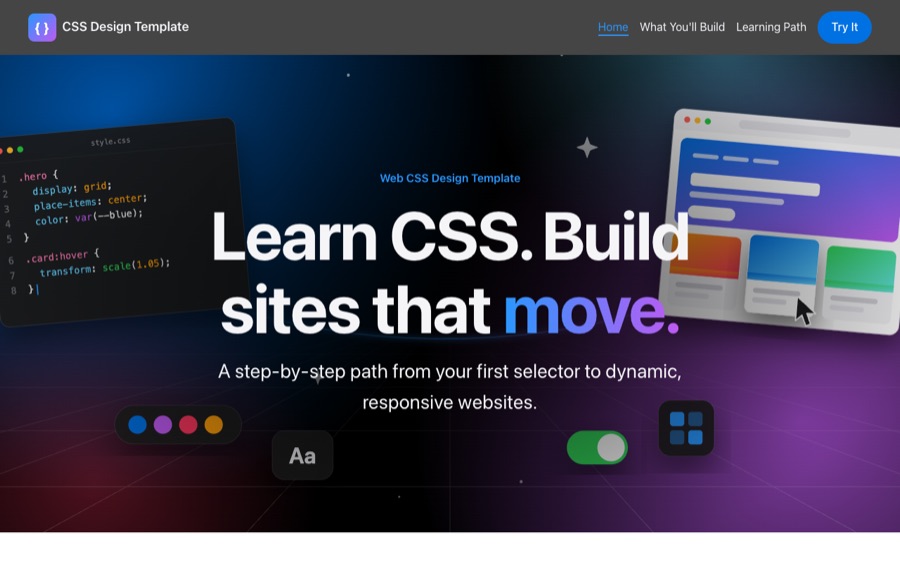
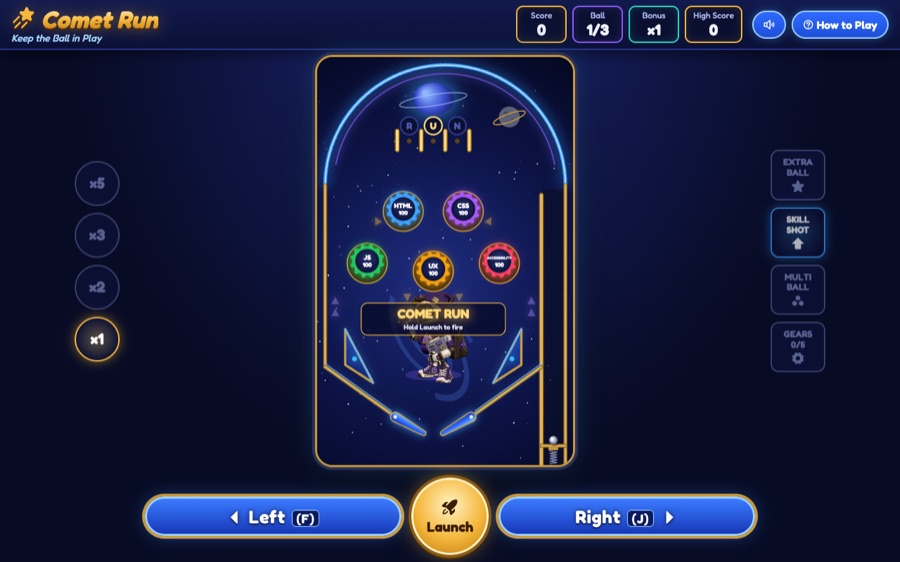
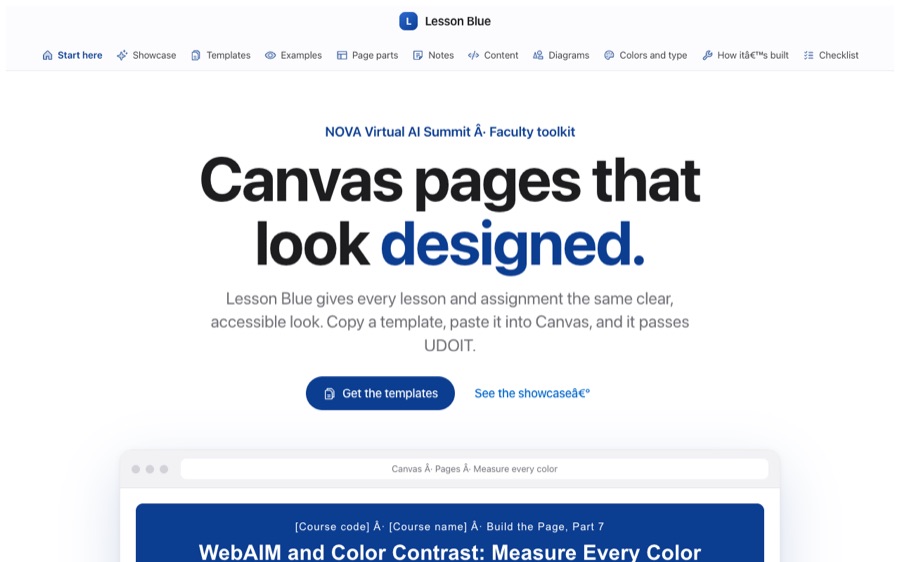
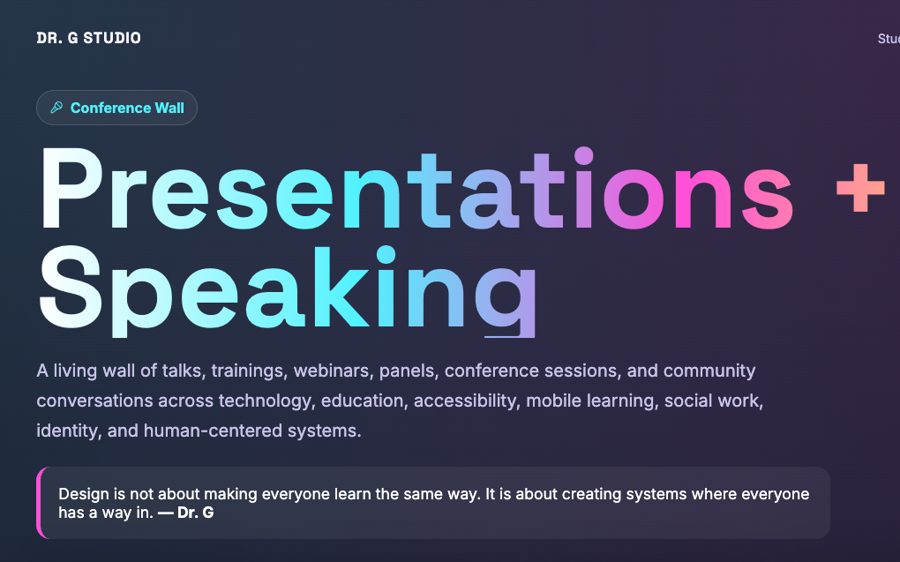
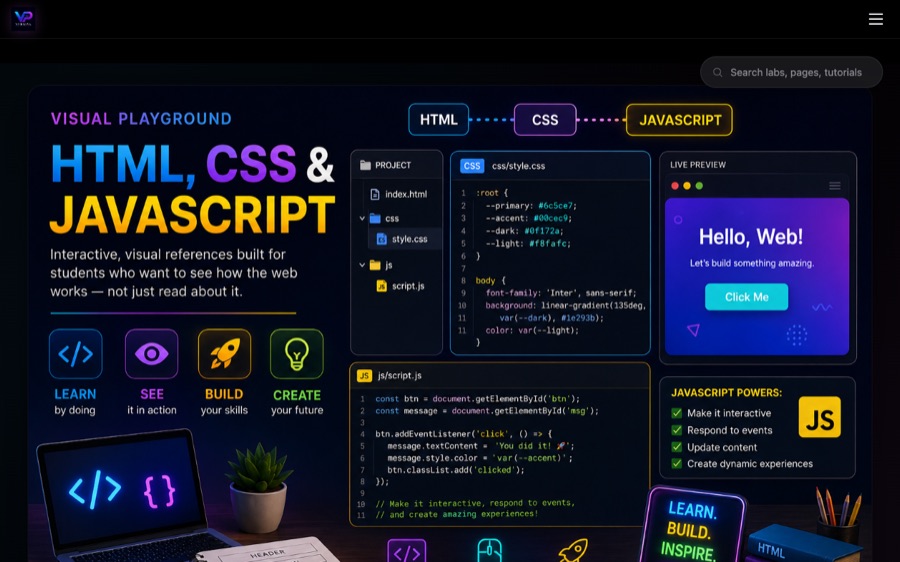
Hi, I'm Patch! Scroll down for the tour.
Now showing
A few favorites.
Hover to pause. Click any frame to open it.Tap any frame to open it.
Dr. G’s Inventor’s Workshop
Pick an invention to start.

Welcome to the workshop! Every invention opens part of Dr. G’s work. Point at one to switch it on, then click to step inside.Tap any invention to step inside.
Beyond the screen
Explore Interactive & 3D
Step inside a world where code, creativity, and imagination come together.
Web & Apps
Fast, friendly, accessible.
Dr. G’s Learning Laboratory
Explore My Courses
Five courses, five working inventions.
Welcome to Dr. G’s Learning Laboratory! Choose a machine to discover what Dr. G’s students are creating.
Speaking
Talks & workshops.
More than 40 presentations across the United States, Australia and Ireland. Here are 40 of them.
- 2026Designing Engaging and Accessible Content for Every LearnerNOVA 2nd Annual Virtual AI Summit · Zoom
- 2026Accessibility Barriers and Accessible Canvas Content with AINOVA IET faculty training · Zoom
- 2026The Living Web AI Prototype, with Ryan AmmonsNOVA AI Incubator Grant stress test · Manassas, VA
- 2025How to Use AI & Canvas in IET CoursesNOVA IET Faculty Development · Zoom
- 2022Easy-to-Use Technology Toolbox for Student-Centered Online and Hybrid CoursesNew Horizons Conference · Roanoke, VA
- 2020Evaluation and Continuous ImprovementHood College · Zoom
- 2020Online Exam Best PracticesWith the NOVA Online instructional design team, for 100+ faculty · Zoom
- 2020Easy-to-Use Technology Tools for Student-Centered Online and Hybrid CoursesNOVA PUP 2020
- 2018Develop and Deliver Powerful Messages in Education & ResearchSocial Work, Education & Social Development Conference · Dublin, Ireland
- 2018Using Technology to Overcome Barriers of LearningUniversity of Maryland, Baltimore
- 2018A Demonstration of the SHAR Toolset for Human Service ProfessionalsSocial Work, Education & Social Development Conference · Dublin, Ireland
- 2017Can You Hear Me NowEast Columbia 50+ Center · Columbia, MD
- 2017Qualtrics and Vibe DemoHealth Sciences and Human Services Library · Baltimore, MD
- 2016Digital Media and Society from a Social Worker PerspectiveUMB School of Social Work
- 2016Investigating Mobile Technology Tools for Social WorkersCouncil on Social Work Education Conference · Atlanta, GA
- 2016Presenting Information to Your Audience: Images, Text, and VideoNASW Macro Conference · Linthicum, MD
- 2016A Blossoming Perspective from the UMB School of Social WorkBaltimore, MD
- 2015Social Work and TechnologyNASW Maryland Chapter Continuing Education · Silver Spring, MD
- 2015Investigating the Role of Mobile Applications in Social WorkNASW Student Conference · UMBC
- 2015Facilitating Groups Using Free Technology ToolsUMB School of Social Work
- 2015The Code of Ethics and Current Electronic StandardsNASW Maryland Chapter Continuing Education
- 2015Lunch & Learn: Mobile Technology in Social WorkUMB School of Social Work
- 2015Mindfulness and Self-Care with TechnologyUMB School of Social Work
- 2015Present Information to Your Audience: Images, Text & VideoUMB School of Social Work
- 2015Social Work & Technology WorkshopSociety for Social Work and Research Conference · New Orleans, LA
- 2014Investigating the Role of an Enhanced Textbook with Human-Centered DesignJoint World Conference on Social Work, Education & Social Development · Melbourne, Australia
- 2014A Transformational Journey Through the Perception of MobilographyGallery exhibition
- 2013Vibe & ResearchUniversity of Maryland SMC Campus Center · Baltimore, MD
- 2013Mobile Applications in the Healthy Expression of Emotions and CognitionUniversity of Maryland, Baltimore
- 2013Mobile Applications in Treating Trauma SurvivorsHoward Community College PTSD & Resilience Conference · Columbia, MD
- 2011Innovation in Dental Education Through TechnologyUMB Dental School, for international visitors from Kenya
- 2011Collaborative Student-Centered Pedagogies for Cross-Disciplinary Mobile AppsMobility Shifts: International Future of Learning Summit · New York, NY
- 2010Learning Without Limits: Instructional Technology for Dental EducationADEA Summer Conference · Boston, MA
- 2010Development of Mobile Applications for the UMB Dental School@hand Mobile Technologies in Academia and Medicine · Baltimore, MD
- 2009Exploring UMB's Virtual Dental SchoolEducomm 2009 · Orlando, FL
- 2009Exploring UMB's Virtual Dental SchoolMaryland Educators Association · Baltimore, MD
- 2009Integrating Diverse Technologies for Innovative, Self-Directed LearningAmerican Dental Education Association Conference · Washington, DC
- 2007Using Simulations to Enhance Online LearningNew Media Consortium Conference · Indianapolis, IN
- 2007Safety and Security: Is Your Campus a Disaster Waiting to Happen?Maryland Association for Higher Education Conference
- 2006Networking & Information Security: Improving Online Learning through SimulationFederal Information Systems Security Educators' Association · Washington, DC
Student Success · The Academy of Possibilities
Your next step starts here.
Practice your skills. Share your work. Prepare for what comes next.
The Inventor’s Archive
Before NOVA
Where it started: Baltimore.
Apps, online courses and video tutorials for the University of Baltimore and the University of Maryland, Baltimore, years before “edtech” was a job title.
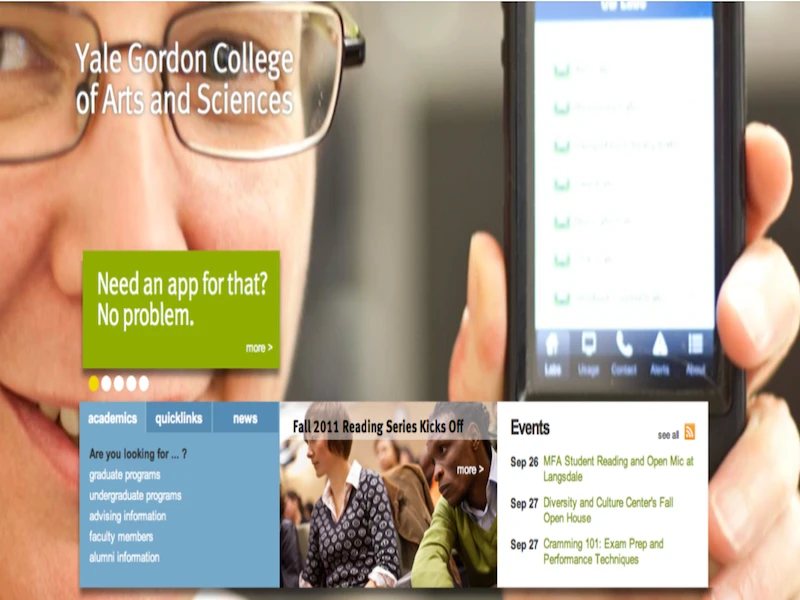
Dr. G built UB's first app and is the face on the Yale Gordon College homepage that announced it: “Need an app for that? No problem.”
University of Baltimore
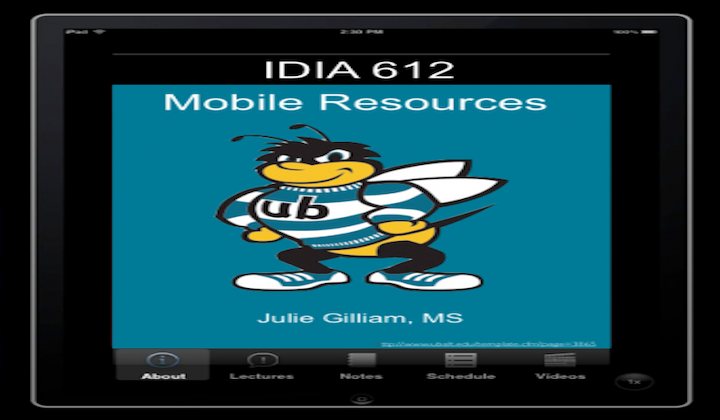
UB · IDIA 612IDIA 612 Mobile Resources A course app with lectures, notes, schedule and videos in one place.
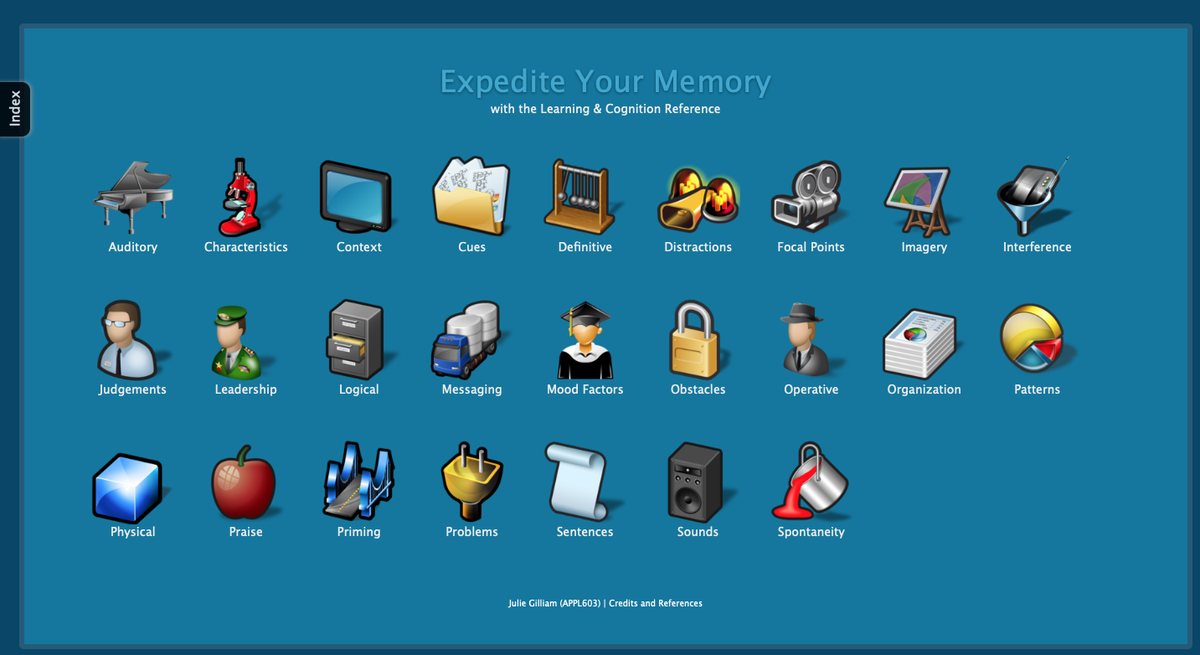
UB · APPL 603Expedite Your Memory A visual learning and cognition reference: one icon for each memory concept.
TalkLearning Perspective from a Life Long Learner A talk on learning as something that never stops.
UMB Dental School
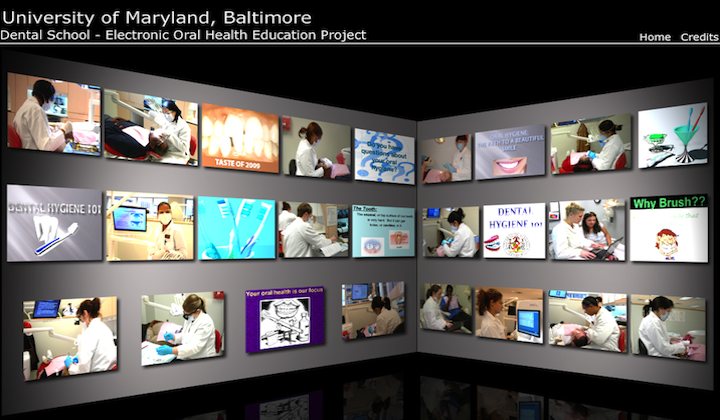
UMB Dental SchoolElectronic Oral Health Education A 3D video wall of dental hygiene lessons.
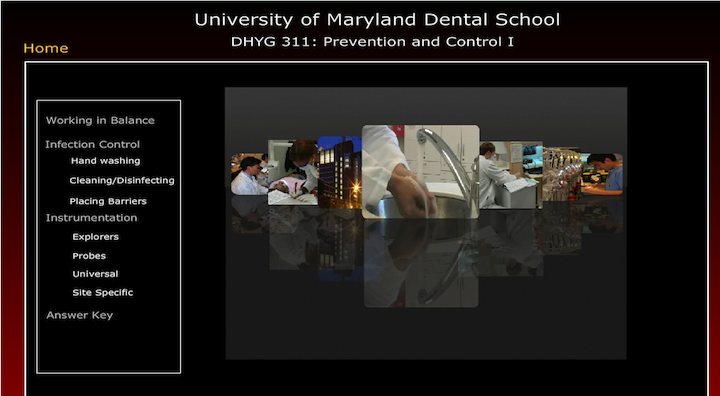
2009 · UMB Dental SchoolDHYG 311: Prevention and Control I Infection control and instrumentation lessons behind a reflective photo carousel.
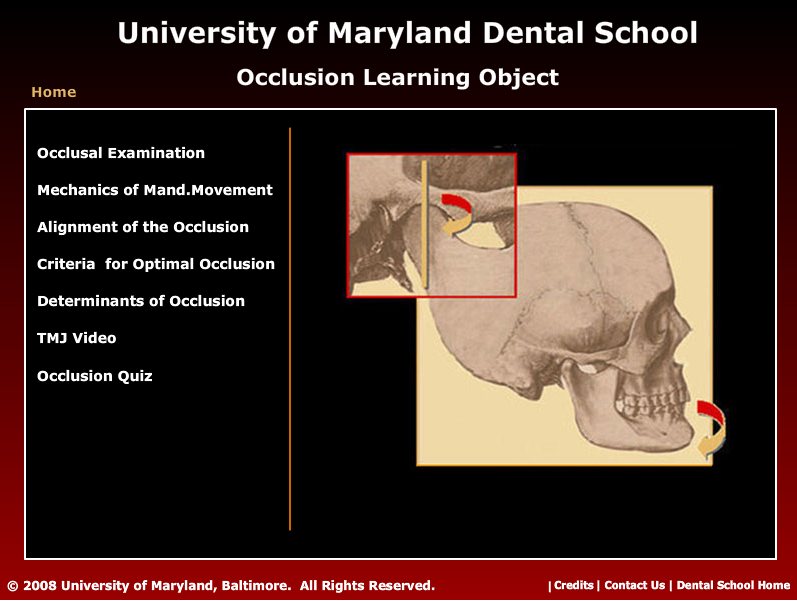
2008 · UMB Dental SchoolOcclusion Learning Object Occlusion lessons, a TMJ video and a quiz built around an animated skull.
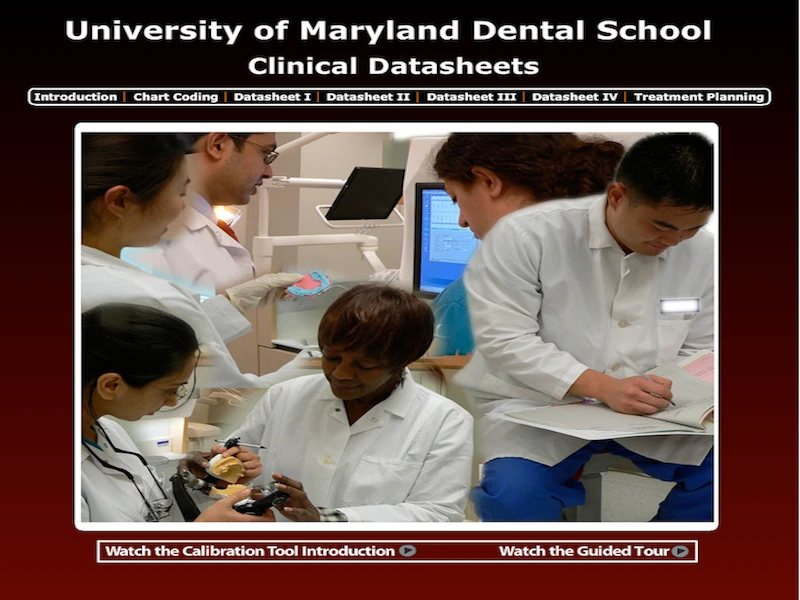
UMB Dental SchoolClinical Datasheets Chart coding and treatment planning, with a calibration tool and guided tour.
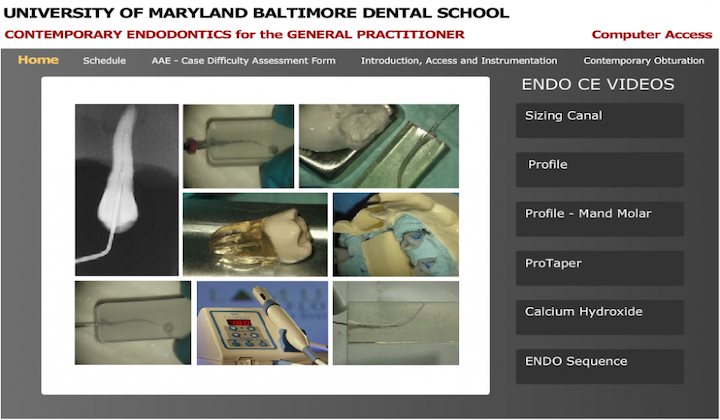
UMB Dental SchoolContemporary Endodontics CE Continuing education for general dentists, built around procedure videos.
UMB Dental SchoolAbout the Dental School A school introduction video in a custom player.
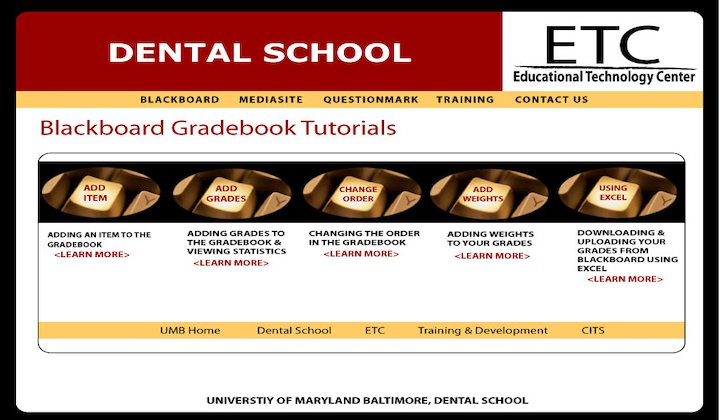
UMB Dental SchoolBlackboard Gradebook Tutorials Five short how-tos for faculty, from adding grades to working in Excel.
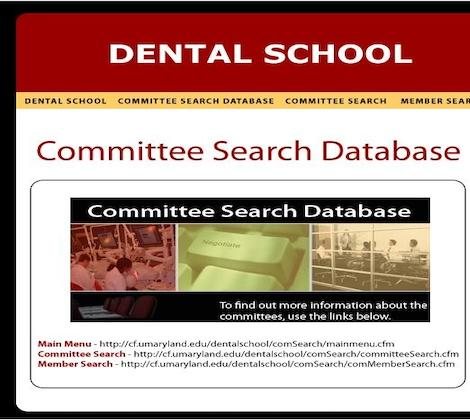
UMB Dental SchoolCommittee Search Database Find any Dental School committee, or every committee a member serves on.
UMB School of Social Work
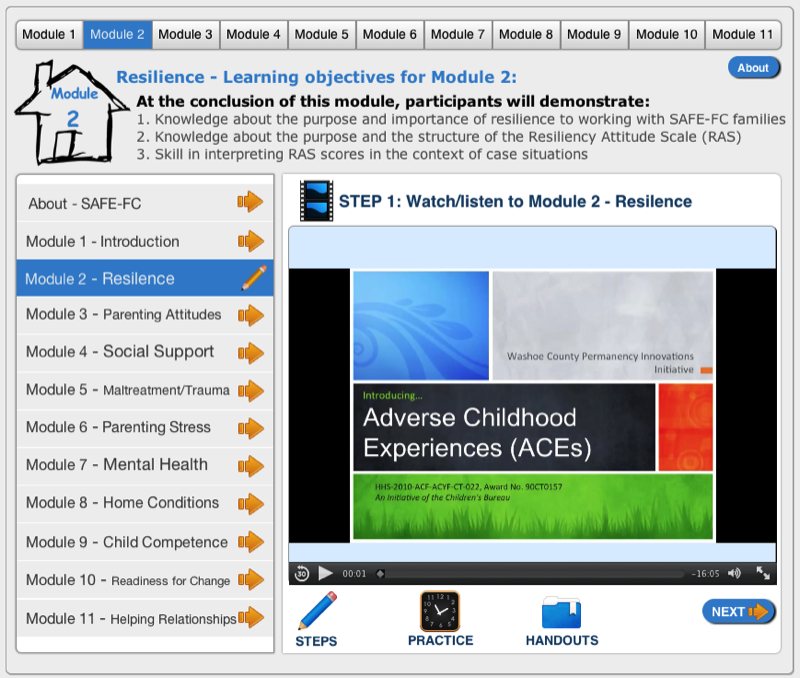
UMB School of Social WorkSAFE-FC Learning Program An 11-module program that teaches family-support staff to use and interpret standardized assessments.
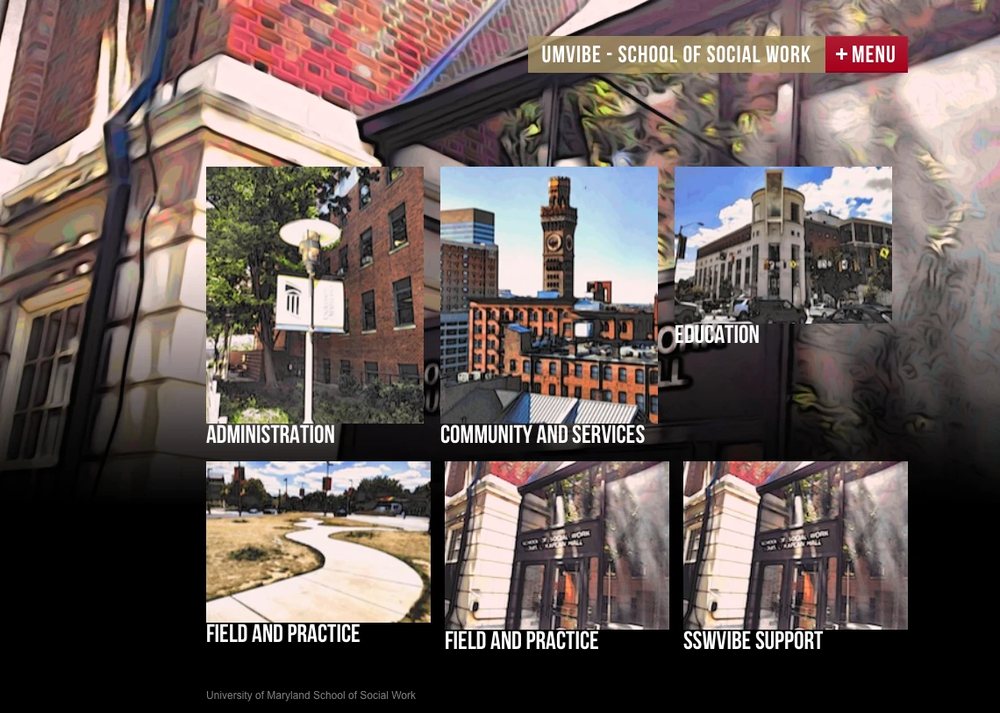
UMB School of Social WorkUMVIBE A school hub built from painted photos of the neighborhood.
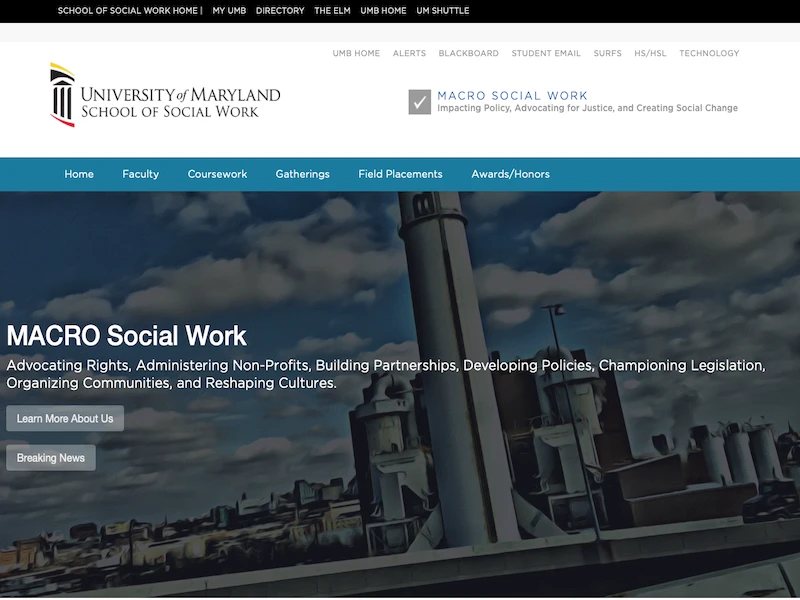
UMB School of Social WorkMACRO Social Work The site for the school's macro practice concentration.
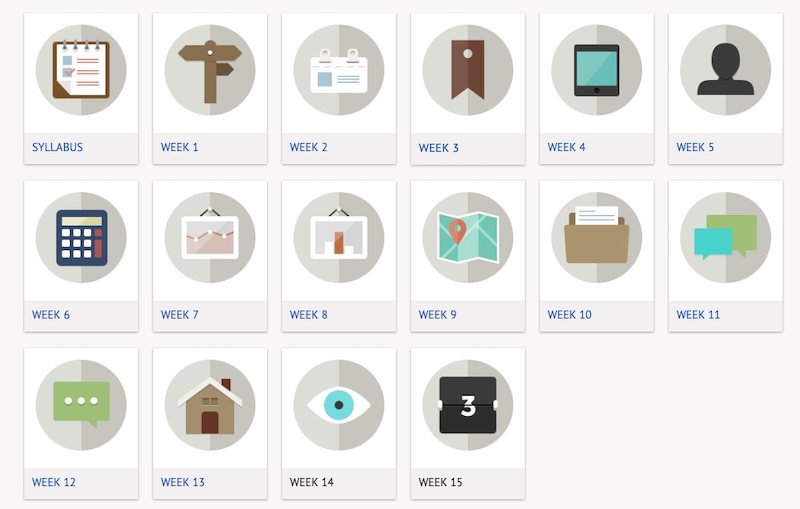
Fall 2013 · SOWK 670SOWK 670 course design A course home with one illustrated tile for every week.
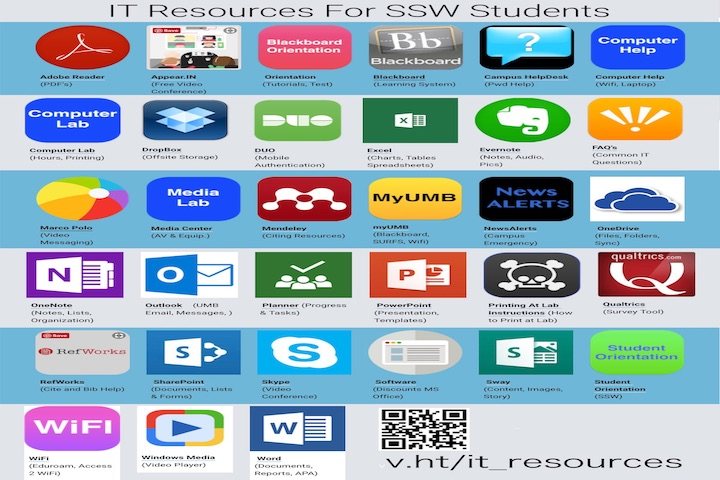
UMB School of Social WorkIT Resources for SSW Students Every campus tool on one app-style page, with a QR code to take it along.
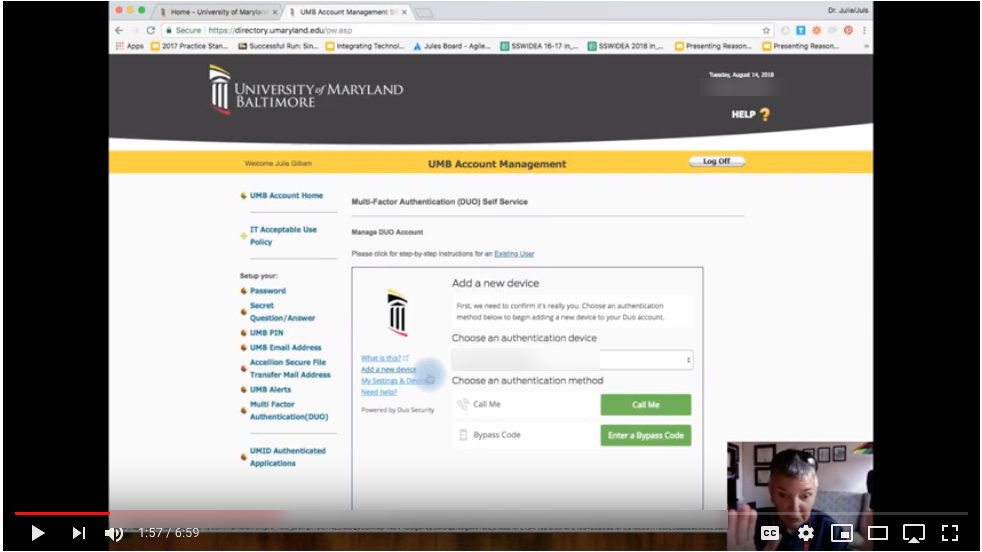
2018 · UMBMulti-factor authentication tutorial A step-by-step video for setting up DUO on a UMB account.
Workshops, community and art
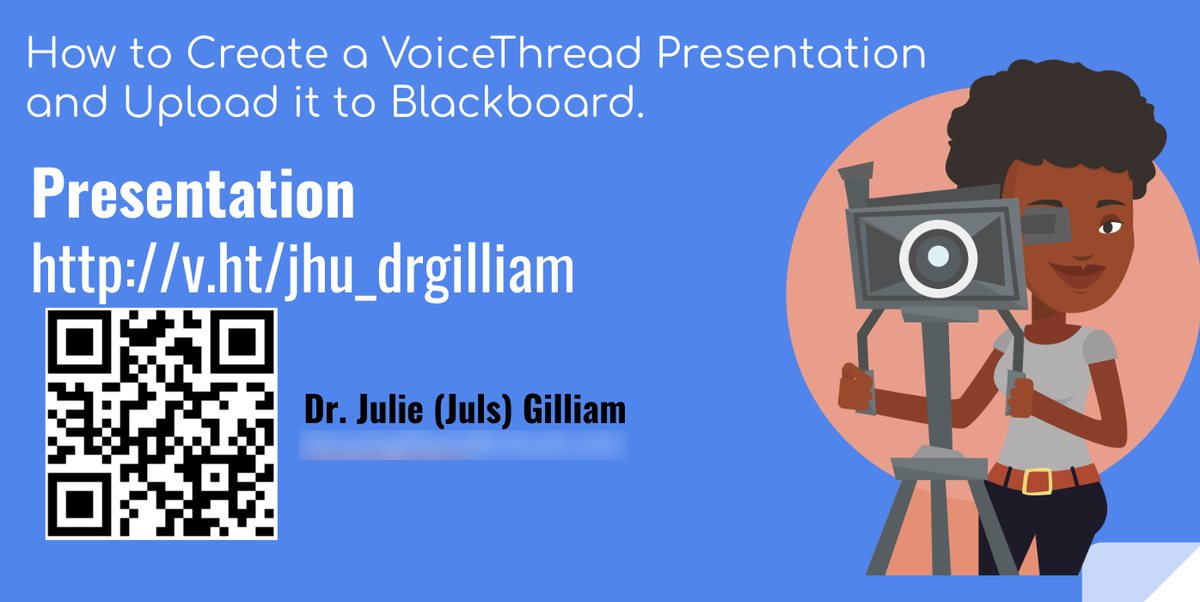
WorkshopVoiceThread to Blackboard A how-to session on recording a VoiceThread and posting it to Blackboard.
2011 · UMBCampus IT plan as an e-book A long strategic plan turned into an iPad e-book you can page through, resize and highlight.
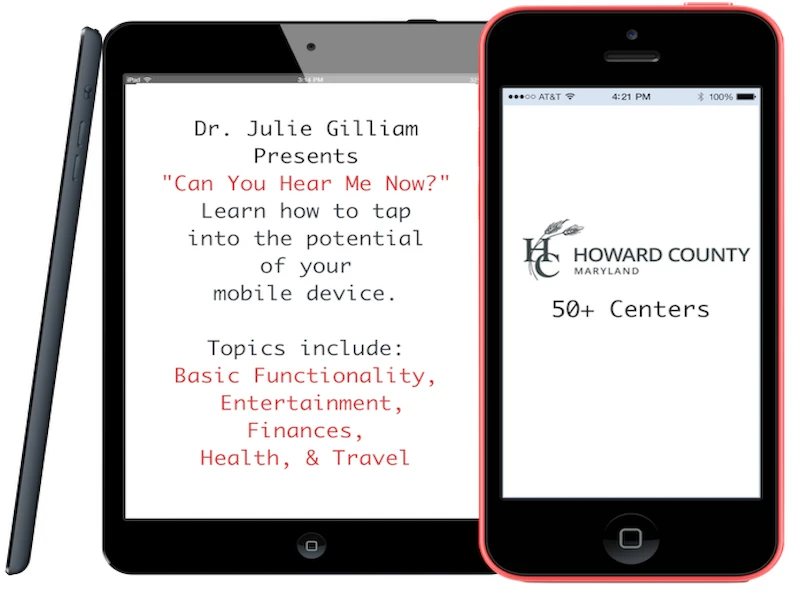
Howard County 50+ CentersCan You Hear Me Now? A workshop on getting more out of a mobile device, from finances to travel.
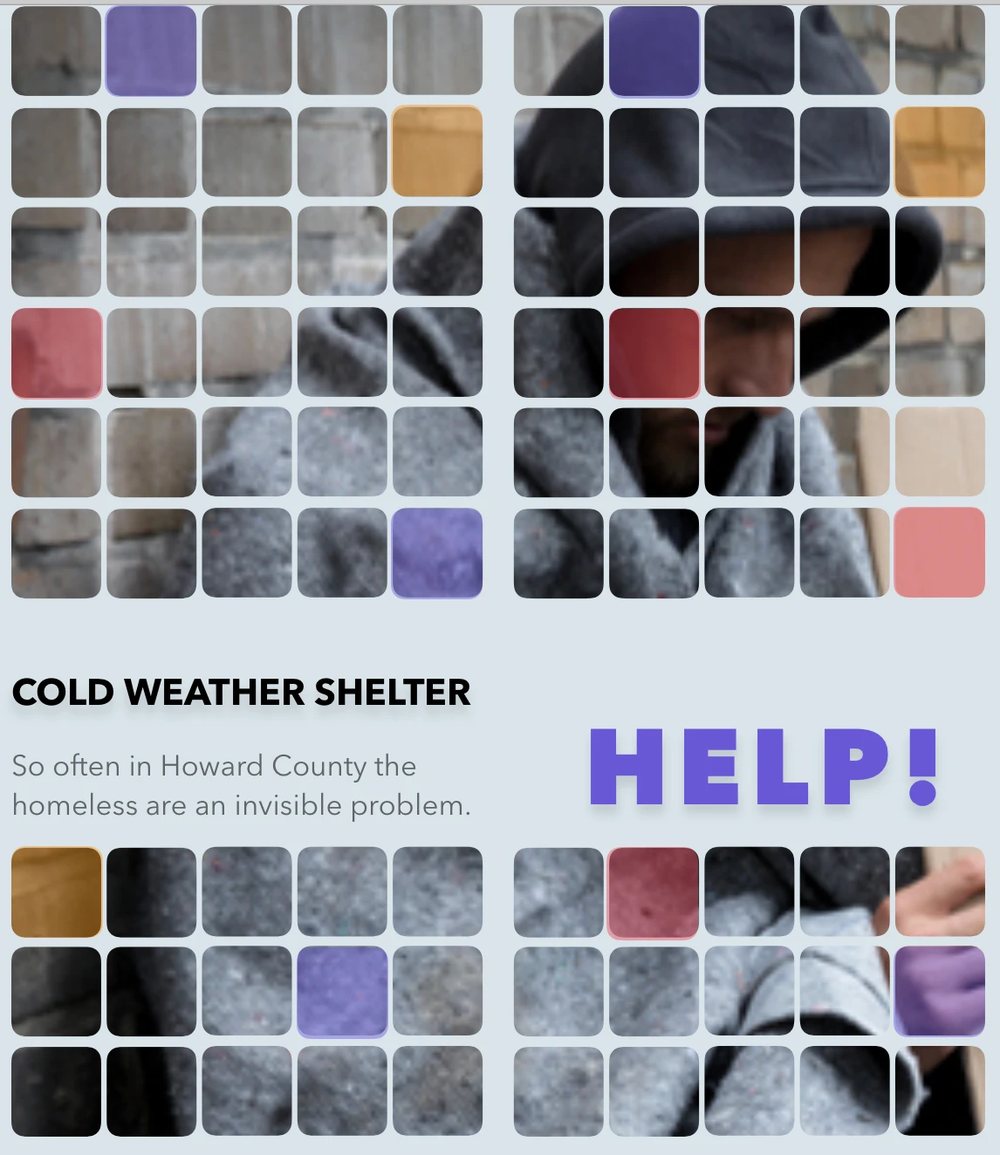
Howard CountyCold Weather Shelter A tiled design that makes an often invisible problem hard to miss.
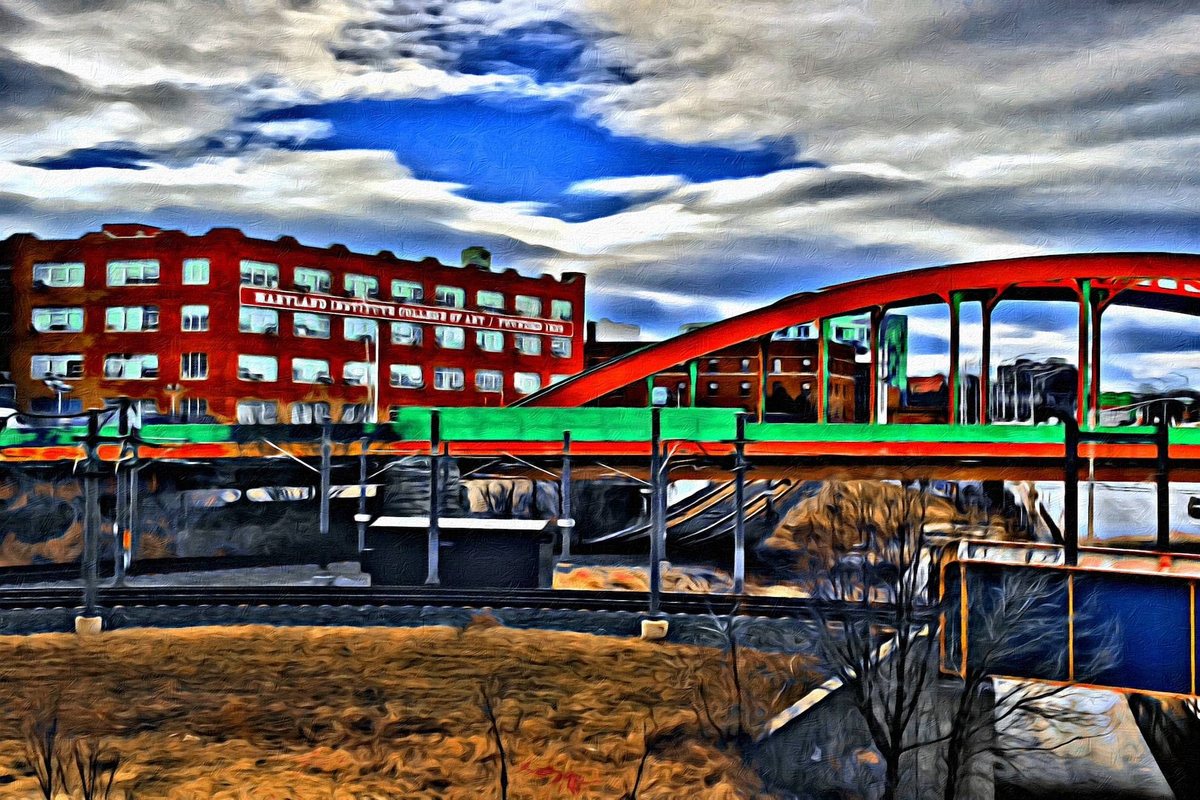
Photo artBaltimore, painted Painted city photos gave the school sites, like MACRO, their look.
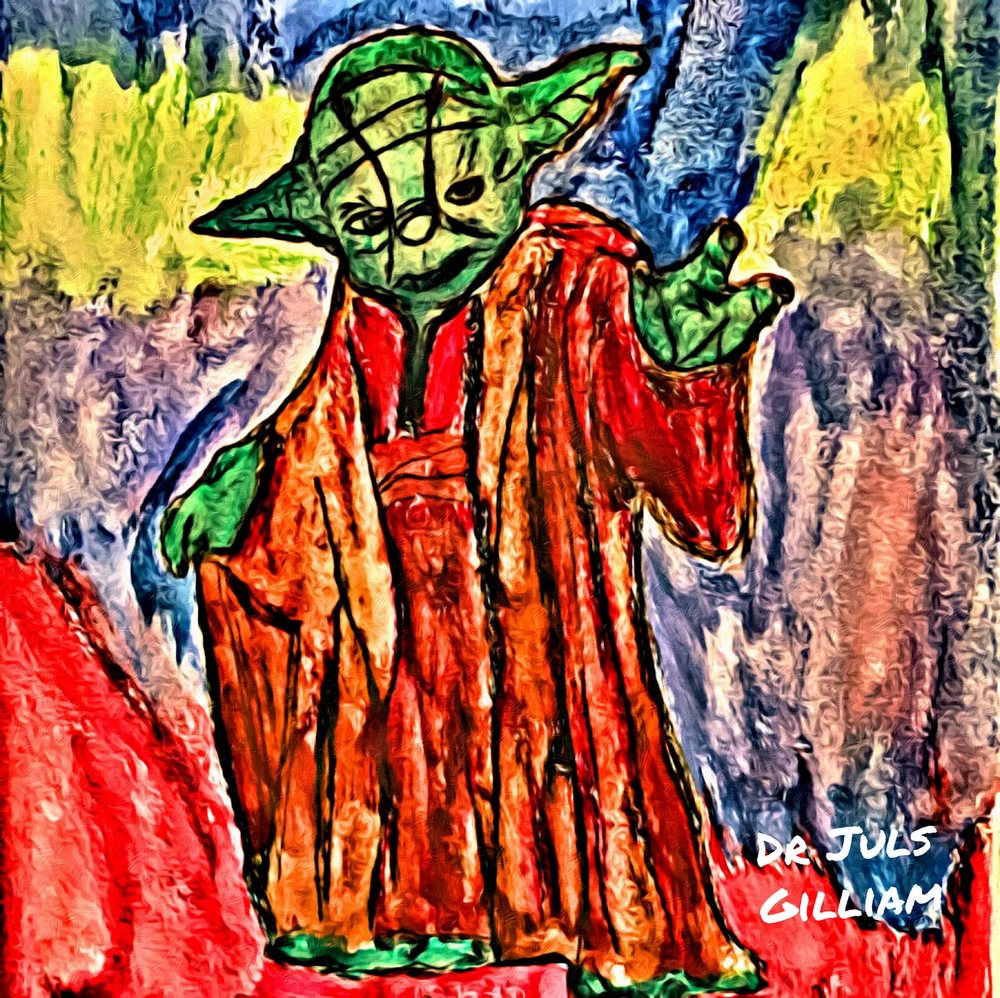
Digital paintingYoda, painted A digital painting by Dr. G.
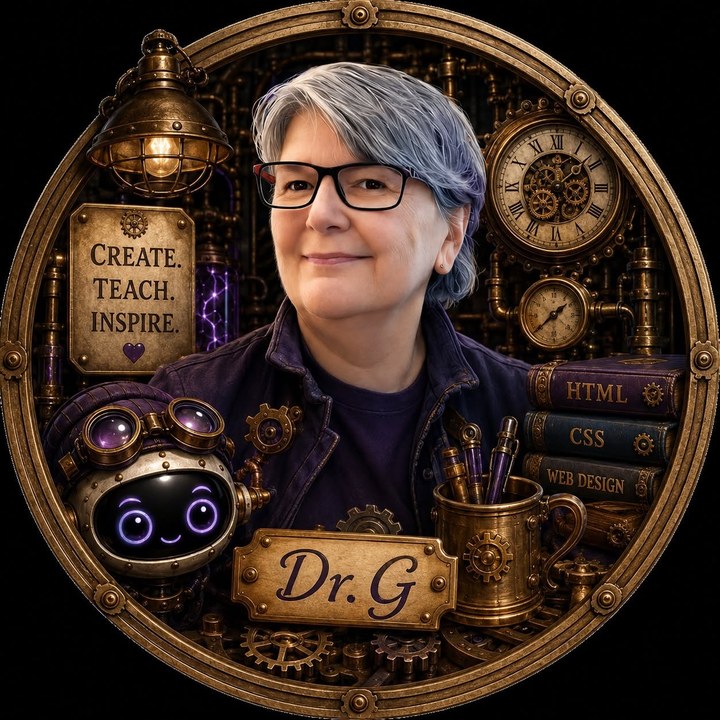
About Dr. G · The Inventor Behind the Journey
Making Technology Make Sense.
Educator. Designer. Inventor. Lifelong Learner.
I’m Dr. Julie (Juls) Gilliam, an Associate Professor and course coordinator at Northern Virginia Community College.
For nearly three decades, I’ve worked at the intersection of technology, education, and human-centered design, creating applications, interactive learning experiences, and solutions that make technology easier to understand and use.
Today, I bring that experience into the classroom, where I encourage students to experiment, ask questions, solve problems, and discover what they’re capable of creating.
My philosophy is simple: Technology should work for people, not the other way around.
- 29YearsTechnology experience
- 190+ProjectsSolutions and learning experiences
- 40+TalksPresentations and training
- Sc.D.DoctorateInformation & Interaction Design
My philosophy · Students are part of the journey
Learning Is Something We Build Together.
“I want an environment where students feel free to express their own ideas and become part of the educational process.”
I believe students learn best when they’re encouraged to explore, experiment, make mistakes, and try again.
My role isn’t simply to deliver information. It’s to create opportunities for students to discover what they can do with it.
Every student brings different experiences, abilities, and perspectives into the classroom. My goal is to create an accessible, supportive environment where those differences become strengths.
I want students to leave my courses with more than technical knowledge. I want them to leave with confidence, curiosity, and the belief that they can create something meaningful.
- Explore.
- Create.
- Grow.
In students’ words
The part that matters most.

“Thanks for making the class fun and engaging! It’s opened a new hobby for me.”
NOVA student“You’ve inspired me to go into web development. Now I have a whole new outlook on IT.”
NOVA student“You made this class a safe and inspiring space to learn and grow.”
NOVA student“You don’t just teach. You inspire, encourage, and uplift.”
NOVA student
More than projects or presentations, these are the moments that matter most.
The inventions that shaped my career
Five moments on the timeline.
 2009Virtual Dental SchoolCreated an early immersive educational experience in Second Life, covered as a world first.Watch the video
- 2011University of Baltimore’s first mobile appBrought university resources to mobile devices for the first time.See it in the archive
- 2014Human-centered learning designPresented research internationally in Melbourne and created the first SSWR conference app.Explore the talks
- 2017–2018National technology standardsContributed to national standards for technology in social work practice, then taught them in a national NASW webinar.Read the article
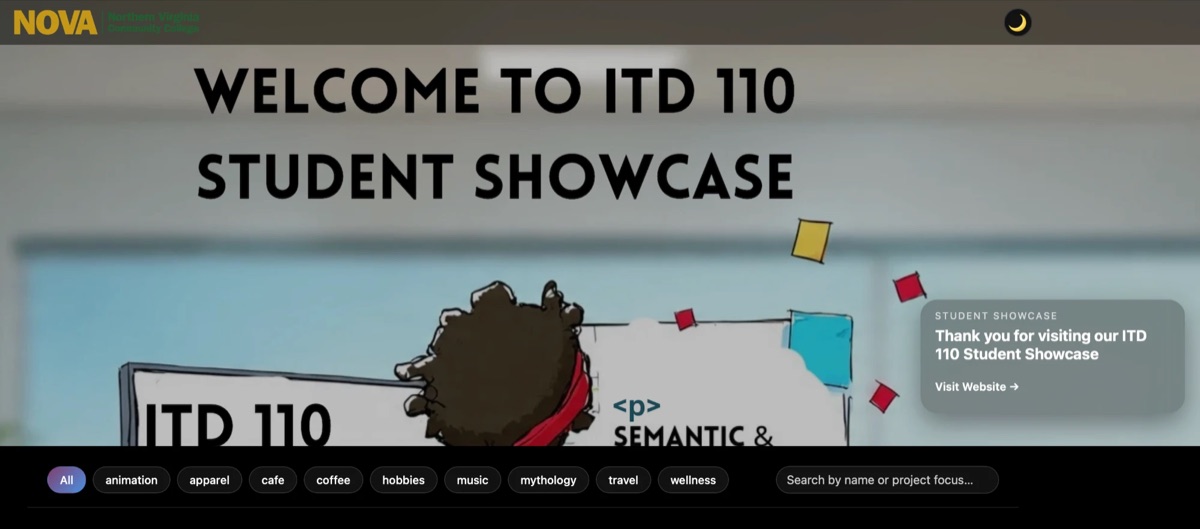 2023–nowTeaching at NOVABringing decades of technology and design experience into the classroom.Explore the courses
What I do today
Three places you’ll find me.
- The ClassroomTeaching the next generationWeb design, digital literacy, multimedia, accessibility, JavaScript, 3D development, and responsible AI.Explore my courses
- The Inventor’s WorkbenchBuilding interactive learning experiencesApplications, games, tutorials, accessible learning materials, and interactive demonstrations.Explore my projects
- The Speaker’s PodiumSharing what I’ve learnedFaculty workshops, conference presentations, and practical training focused on technology and education.Explore talks & training
Beyond the classroom
Writing, learning and service.
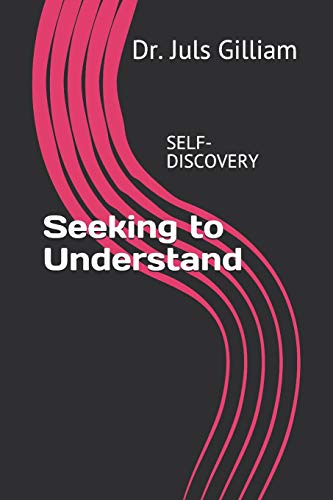 AuthorSeeking to Understand · 2018
- EducationSc.D., Information & Interaction Design · University of Baltimore
- ServiceCommunity engagement, technology education and service initiatives
The journey continues
The Journey Continues.
Technology never stops changing, and neither does learning.
From early mobile applications and virtual classrooms to interactive 3D experiences and AI-powered learning tools, I’ve spent my career exploring new ways to make technology more useful, accessible, and engaging.
But the most rewarding part has always been helping someone discover what they can do.
There’s always something new to learn, something worth creating, and someone worth helping along the way.
Patch has the lantern. Come on through!
Full professional details: career path, education, grants, badges and skills
Career path
- 1992Gannett & USA TODAYOperations Manager
- 2002University System of MarylandInstructional technologist
- 2019Instructional designerNOVA Online, Hood College
- 2023NOVAAssociate Professor
Full timeline
- 2026 – nowAssociate Professor · promoted August 2026
Northern Virginia Community College · Course Coordinator for ITD 110, ITD 210, ITE 170 and ITE 270 - 2023 – 2026Assistant Professor
Northern Virginia Community College - 2023Instructional Designer
Xerox (contract): e-learning and Title IV-E training for the State of Florida - 2019 – 2023Instructional Designer, NOVA Online
Xerox (contract): course design, quality reviews and faculty support for NOVA's online courses - 2019 – 2020Instructional Designer
Hood College: online course templates and faculty mentoring - 2019Senior Instructional Designer
University of Maryland University College: edX MOOCs - 2019Senior Course Curriculum Developer
Lewis & Price - 2011 – 2019Lead / Senior Instructional Technologist
University of Maryland School of Social Work - 2007 – 2011Instructional Technical Specialist
University of Maryland Dental School - 2005 – 2007Instructional Technical Specialist
University of Maryland University College - 2002 – 2005IT Support Specialist
University of Maryland, Baltimore - 2001 – 2002Senior Analyst
Gannett: IT learning program for new graduates and AS/400 training across newspaper sites - 1999 – 2001Operations Manager
Gannett Operation Center: led a 12-person team providing 24/7 support for Gannett and USA TODAY - 1992 – 1999Platform Specialist, National Operations Coordinator & earlier roles
Gannett and USA TODAY
Education
Sc.D., Information & Interaction Design
University of Baltimore
All degrees & dissertation
- Sc.D., Information & Interaction Design
University of Baltimore, 2015 Dissertation: “Using an Enhanced e-textbook to Facilitate the Education and Practice of Social Workers.” Designed and user-tested an e-textbook for training Maryland social work supervisors remotely, letting each learner choose visual, verbal, big-picture or step-by-step paths to the same material. Advisor: Dr. Kathryn Summers. - M.S., Computer Systems Management
University of Maryland University College, 2006 - B.S., Computer Information Science
University of Maryland University College, 1999 - B.S., Social Work
Frostburg State University, 1990
Grants
Semmler & Provost Grant · 2026
NOVA AI Incubator Grant · 2026
Author
Seeking to Understand
2018
Service
Howard County LGBTQIA+ Commission
Cold Weather Shelter Coordinator
HUSITA board
Teaching at NOVA
-
ITD 110Web Page Design IBuild, experiment, and make something worth sharing.Explore ITD 110
-
 ITD 210Web Page Design IIAdvanced web development, built safe from the very first line.Explore ITD 210
-
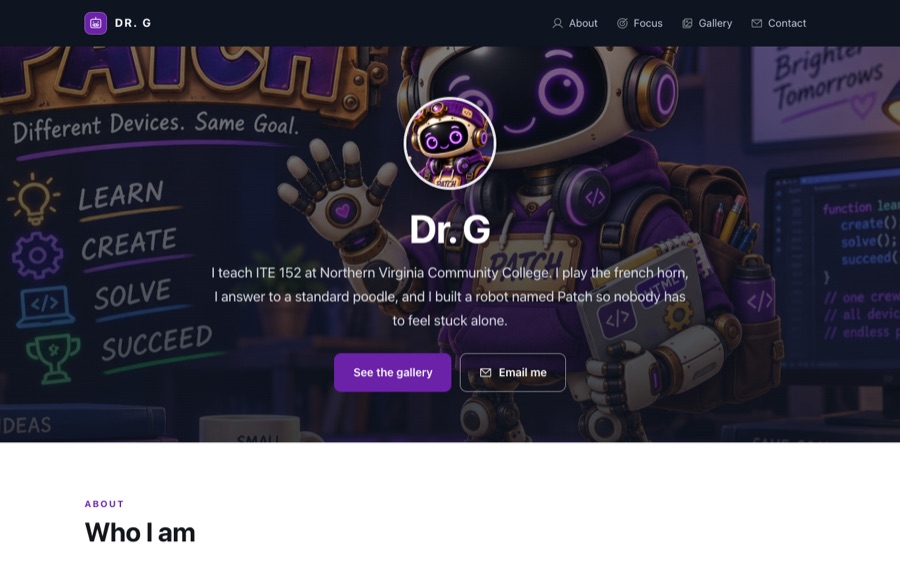 ITE 152Digital Literacy & Computer ApplicationsFrom the parts inside the machine to a working budget.Explore ITE 152
-
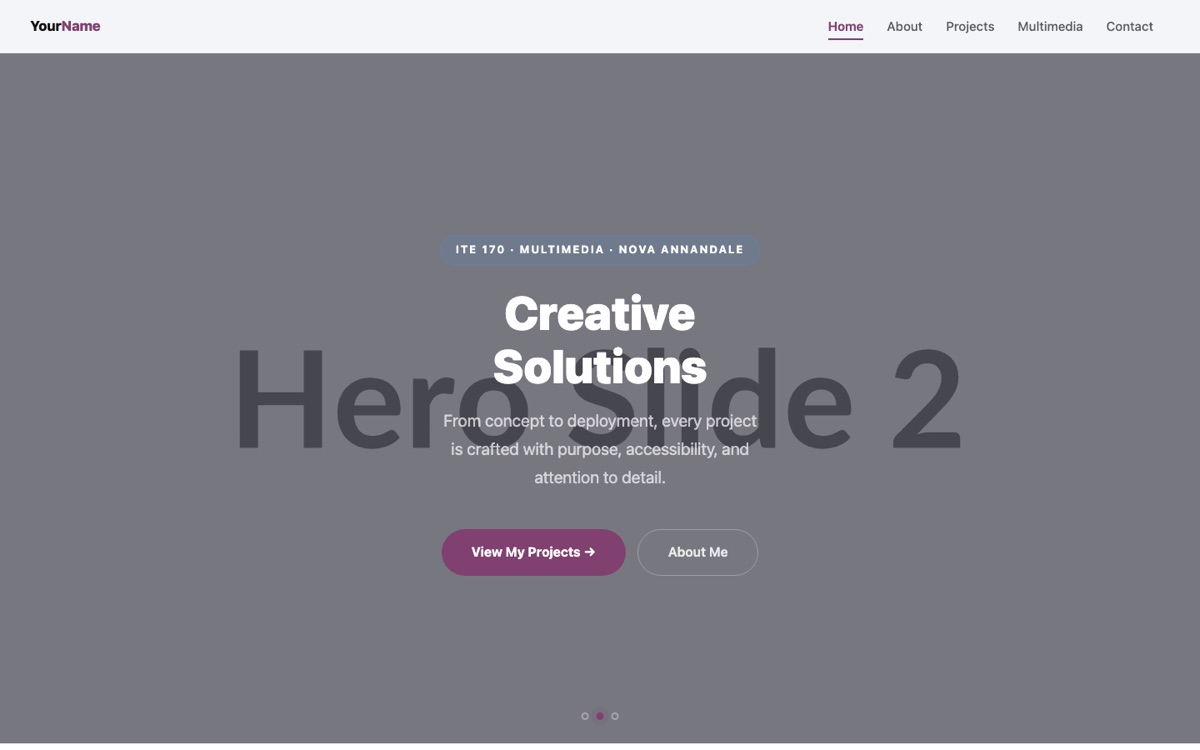 ITE 170Multimedia SoftwareMedia lessons that adapt to device, light, reading needs and pace.Explore ITE 170
-
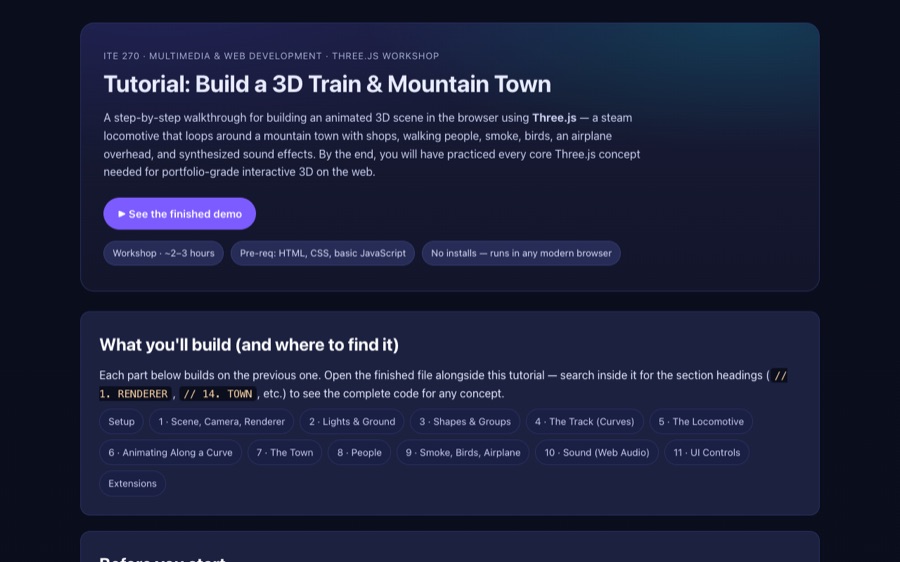 ITE 270Advanced MultimediaMotion, 3D and AI, made by students who own every line.Explore ITE 270
Badges


All certifications
- Course Vibing: Vibe Coding with Canvas API and LLMs · Summer 2026
Working Connections, National IT Innovation Center (NITIC) - AI Fundamentals to Classroom Transformation · Spring 2026
Working Connections, National IT Innovation Center (NITIC) - The Great Accessibility Escape: Mastery · December 2025
NOVA Canvas & Educational Technology Support Services: all four rooms, Text & Links, Media Maze, Structure Stronghold and Visual Vault, on building accessible Canvas content - UX for IT Faculty · Summer 2025
Working Connections, NITIC - Secure Programming with Python · Summer 2025
Working Connections, NITIC - Graphic Design, Canva & Teacher Essentials · Summer 2025
Canva Design School - Course Creator Certification · 2018
edX
Skills
- Instructional design
- Accessibility (WCAG)
- UX research
- Generative AI
- Canvas
- Figma
- HTML & CSS
- JavaScript
- Three.js
- GSAP
- Adobe Creative Suite
- Video production
All skills
AI & emerging tech
- Prompt engineering
- ChatGPT
- Adobe Firefly
- Midjourney
- DALL·E
- AI-made media
- AI-assisted debugging
- Responsible AI
Instructional design
- In-person, hybrid & online
- Modules & lessons
- Rubrics & assessment
- Quality Matters
- SUNY OSCQR
- Capstone sequencing
- Scaffolded learning
- Canvas workflows
Teaching & leadership
- Mentoring & advising
- Portfolio & career guidance
- Technical writing
- Public speaking
- Faculty support
- Inclusive communication
UX & accessibility
- UX research
- Human-centered design
- Wireframing & prototyping
- Information architecture
- WCAG & ARIA
- Figma
- Adobe XD
- Axure
- Balsamiq
- Justinmind
- OmniGraffle
- Sketch
Web & mobile
- HTML5
- CSS3
- Tailwind CSS
- Bootstrap
- Vue.js
- iOS SDK
- WebKit
- Titanium
- RapidWeaver
- Jira
Multimedia
- Photoshop
- Illustrator
- InDesign
- Premiere
- After Effects
- Final Cut
- Camtasia
- Captivate
- VoiceThread
- Canva
- Audition
- Audacity
- Instructional video
3D & immersive
- Three.js
- WebGL
- GSAP
- Spline
- Model-Viewer
- Unity
- Second Life
- AR/VR design
Learning & content platforms
- Canvas
- Blackboard
- Desire2Learn
- Moodle
- WebTycho
- WordPress
- Drupal
- Joomla
- Site Executive
Systems & security
- macOS & iOS
- Windows
- Unix
- IBM AS/400
- IIS
- MAMP Pro
- macOS Server
- Computer security
- AS/400 security